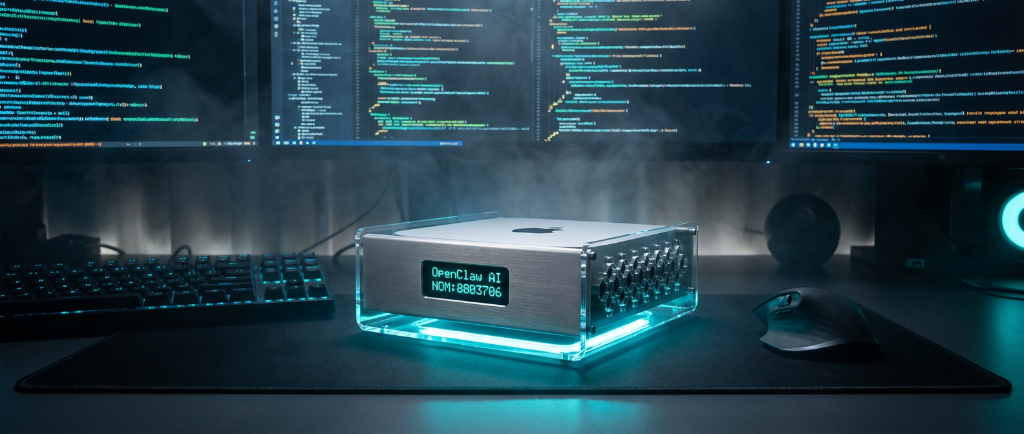
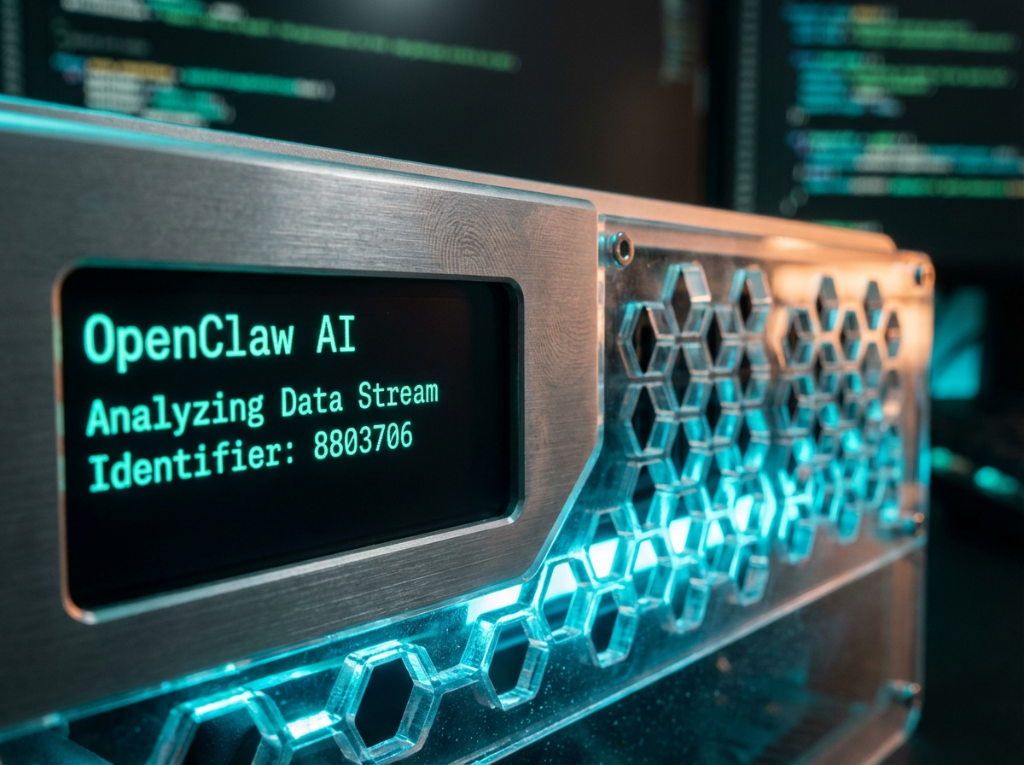
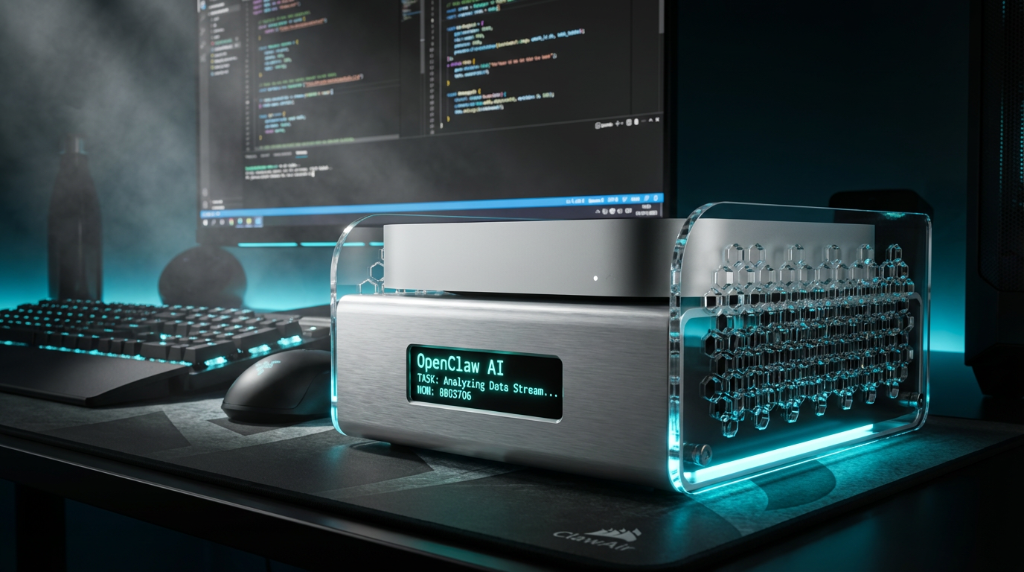
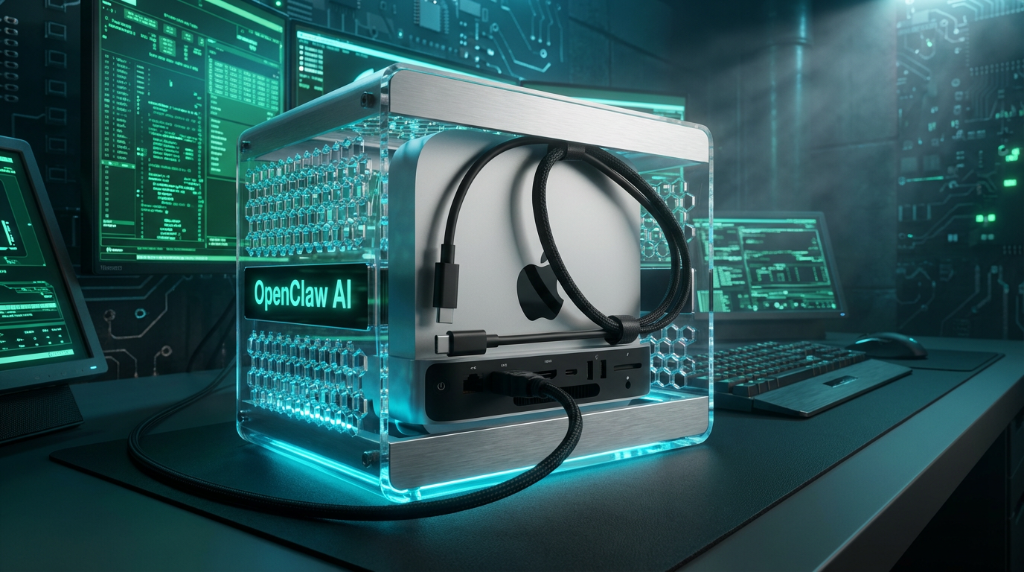
The first Mac mini docking station designed for OpenClaw. Interactive serial-protocol display, zero-lag performance, and extreme cooling — all in one monolith.
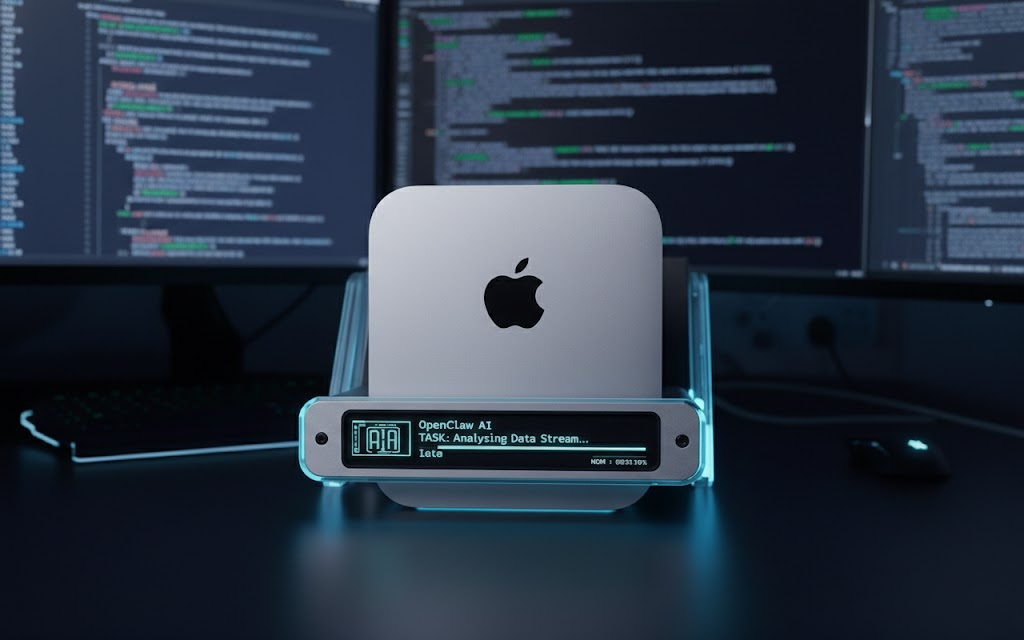
Four pillars of hardware innovation, designed from the ground up for local inference workloads.
Serial Protocol Monitoring
No HDMI, no GPU usage. A dedicated ESP32 controller handles all UI rendering, keeping your Mac's 100% power for AI tasks.
Live Agent Feedback
Real-time task progress, Token velocity, and "Emotion" animations synced directly with your OpenClaw instances.
Active Vortex Cooling
Ultra-quiet 120mm fan wall. Dynamic RPM adjustment based on real-time neural load data. Silence under 28dB.
Physical Overdrive
A satisfying mechanical lever to solve the M4 bottom-power-button dilemma. One flick to wake the beast.
We are building a home for independent AI. No cloud, no subscription, just hardware that empowers your local Agent.
Standard Edition
Aluminium Body + 2TB NVMe Slot
3-Slot Stackable Version
ClawAir is an official hardware partner of the OpenClaw ecosystem. We believe in the right to repair and the freedom to modify.
Download the Python Serial Driver. Full source code for ESP32 firmware and host-side communication library.
View on GitHubPrint your own shell modifications. Full CAD models in STL and STEP format. Remix-friendly under CERN OHL.
Download FilesCustom UI widgets for the OLED screen. Build your own watch faces, dashboards, and agent visualizations.
Read Docs# Connect to ClawAir via serial
from openclaw import ClawAir
device = ClawAir.connect("/dev/tty.usbserial")
device.display.set_status("Thinking", animation="pulse")
device.display.set_metrics(tok_s=42.3, temp=38)
# Sync with your local agent
with device.sync(agent) as session:
session.on_token(lambda t: device.display.push_token(t))
session.on_complete(lambda: device.display.set_status("Ready"))
Connecting ClawAir to OpenClaw via USB-UART.
How to flash the ESP32 for new UI themes.
Cooling performance optimization.
ClawAir is specifically designed for the Mac mini M4 and M4 Pro models. The docking geometry and cooling channels are optimized for the M4's thermal profile. Older Intel or M1/M2 models are not supported due to different chassis dimensions.
Not at all. The display is driven entirely by the onboard ESP32-S3 microcontroller via a USB-UART serial connection. It uses zero GPU/HDMI resources and consumes less than 0.5W of power from the USB bus. Your Mac's full compute power remains available for AI tasks.
Absolutely. ClawAir ships with our Python API and open-source firmware. You can create custom watch faces, data dashboards, and agent-synced animations. The Developer API documentation includes widgets, layout tools, and a simulator for testing your designs before flashing.
Under normal AI workloads, ClawAir operates below 28dB — quieter than a whisper. The dynamic RPM system only ramps up during sustained peak loads, and even at maximum, it stays under 38dB. The vortex airflow design minimizes turbulence for a smooth, non-distracting hum.
Yes. All hardware designs are released under the CERN Open Hardware License (OHL-S v2). This includes full schematic files, PCB layouts, 3D CAD models (STL/STEP), and the ESP32 firmware source code. You are free to study, modify, manufacture, and distribute your own versions.